
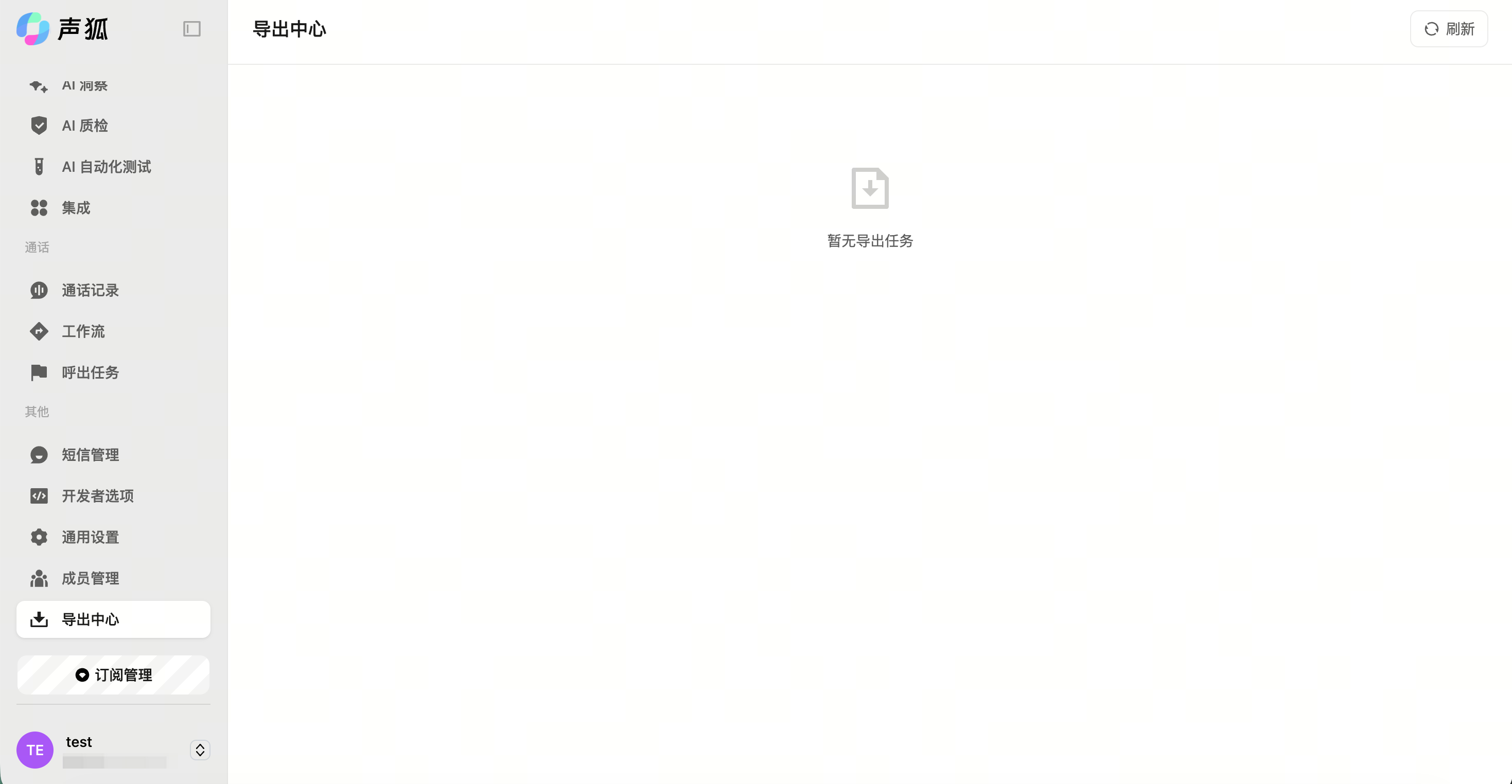
Export center
The export center is used to view and manage export tasks, including download, deletion, and failure handling.
Start, download, and delete exports
Start an export
Click export on supported pages, such as outbound task details or inspection reports.
View export progress
Path: Left sidebar → Export center. View processing, completed, and failed statuses.
Download files
Download files after export completion.
Delete records
Delete export records that are no longer needed.
Export progress issue
If an export remains processing, the data volume may be large or the system may be queued. Refresh later; if it does not change for a long time, contact support.