
Sign up and log in
This page covers registration, sign-in, password reset, and access checks for the VoiceFox workspace.
Account preparation
- Use a supported browser to access the workspace.
- Make sure your company account has been created or self-registration is enabled.
- If sign-in fails, confirm that the account has been activated.
Register
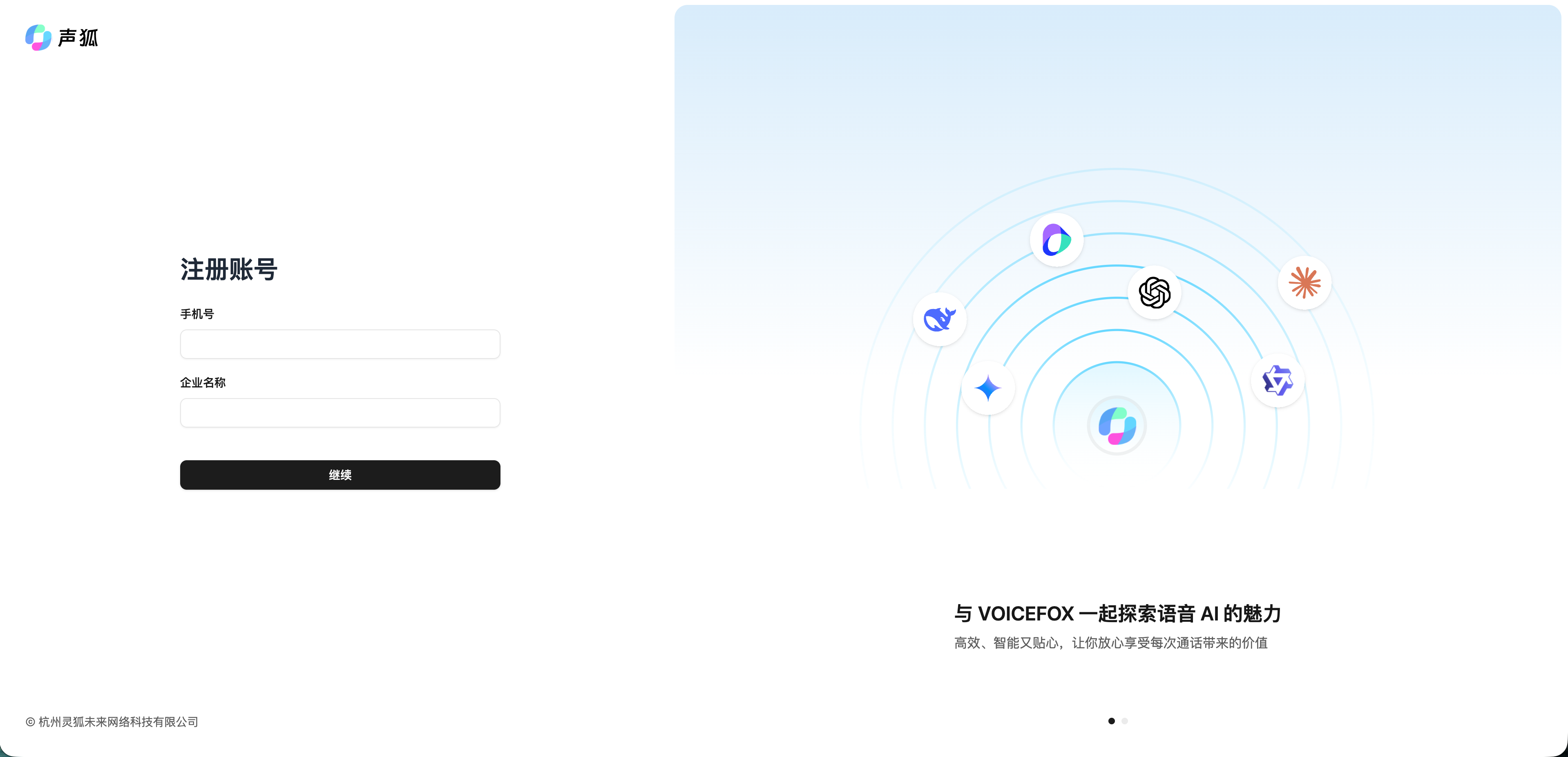
Go to https://app.voicefox.cn/signup, enter the company name and phone number, then verify by SMS and set a password.
Sign in
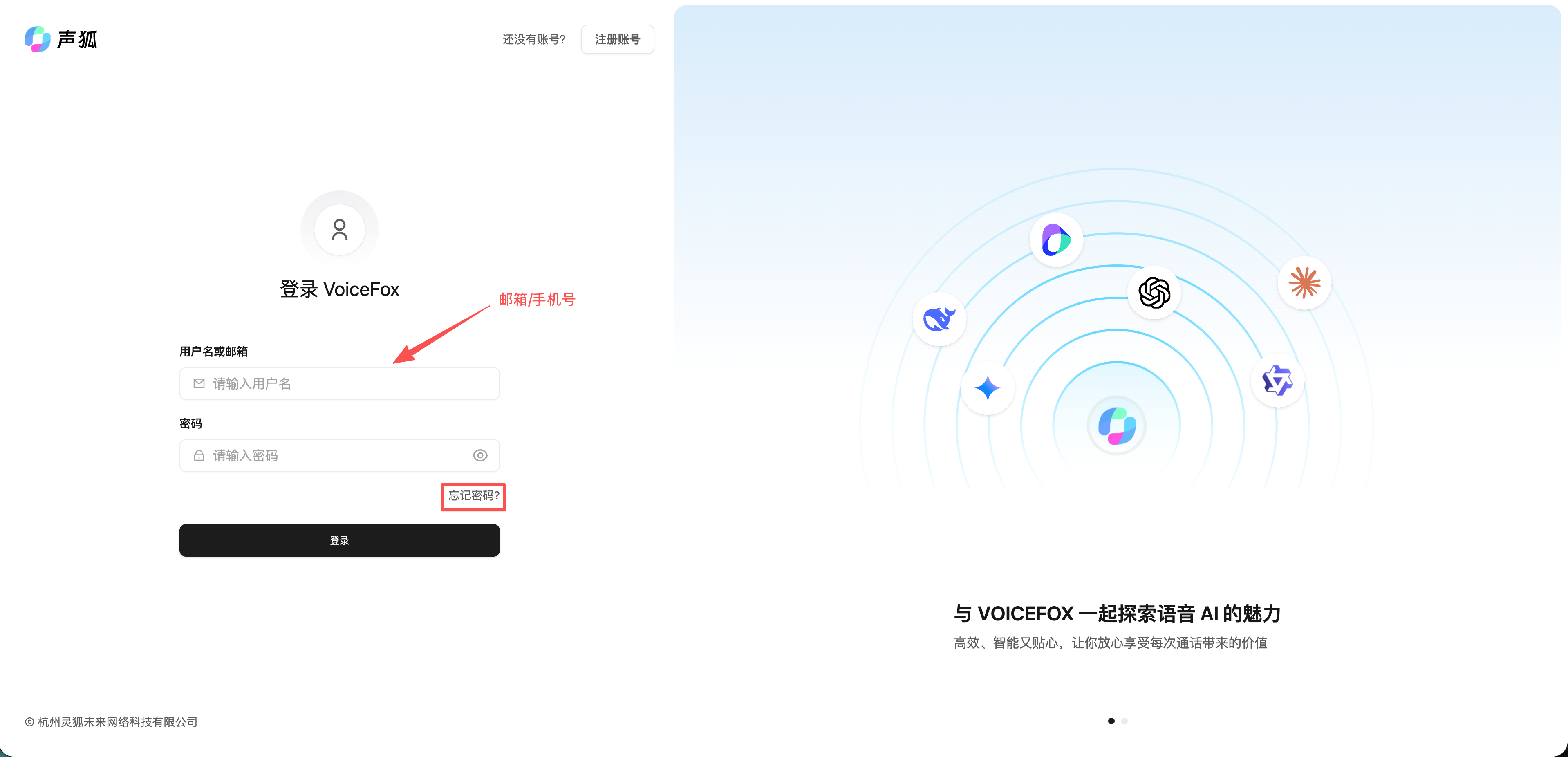
Go to VoiceFox Console, then sign in with your phone number/email and password.
Reset password
Use Forgot password on the sign-in page and reset the password with SMS verification.
Access issues
If some features are invisible or unavailable after sign-in, the account may not have the required role or the current plan may not include that feature. Contact your workspace administrator or customer success team.